Language Check
A fast, multi-engine prose linter for VS Code and Neovim with a Rust core.
Language Check catches grammar, spelling, and style issues in Markdown, HTML, LaTeX, Typst, reStructuredText, Org mode, BibTeX, Forester, and R Sweave files using Harper, optional LanguageTool, optional Vale, and optional Proselint integration.
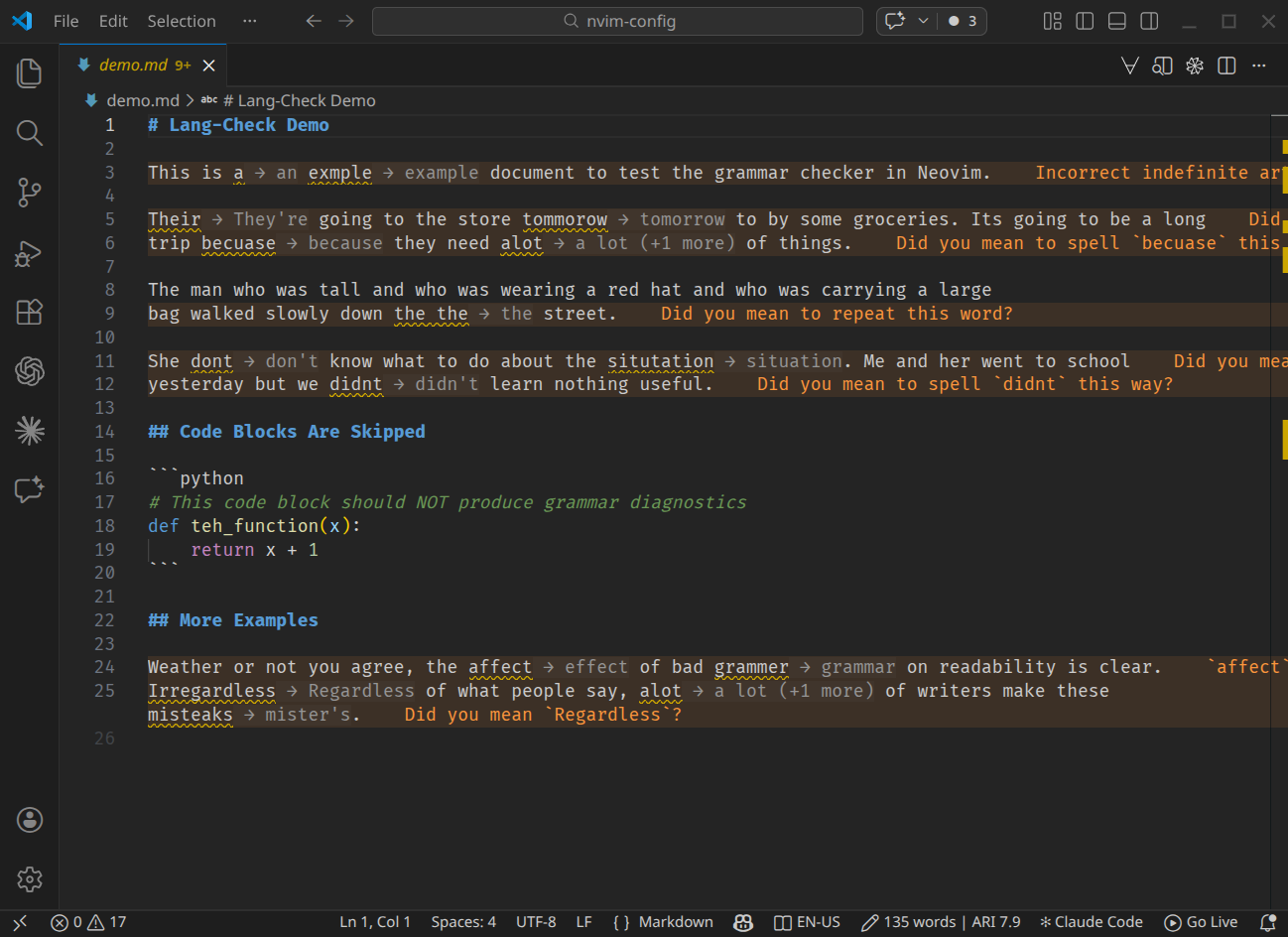
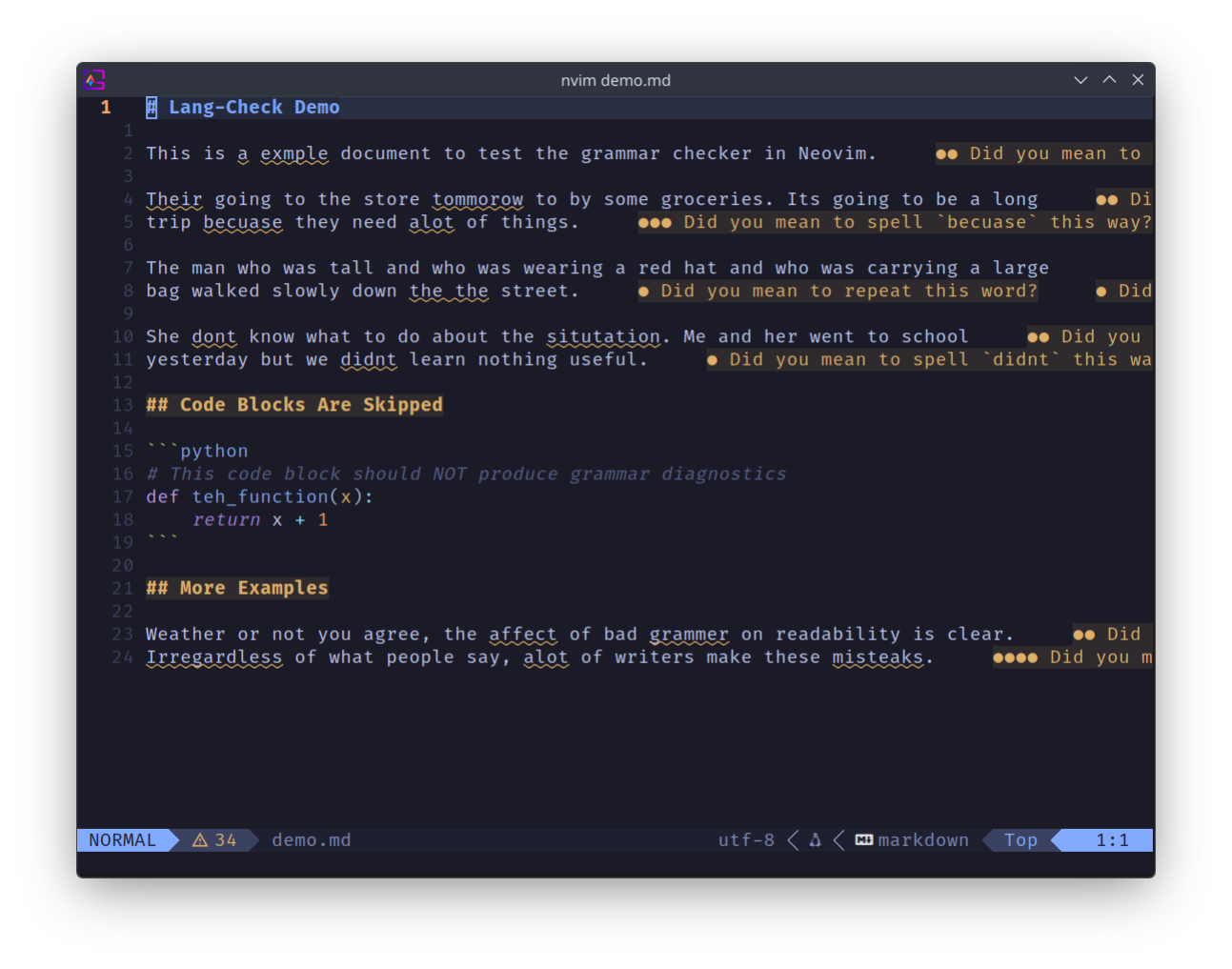
Early Development
Language Check is in active early development. Core checking is stable and usable, but you may encounter bugs — please report them and they will be fixed promptly. The configuration format may change between minor versions; backwards compatibility is a goal but not yet guaranteed.
Browser extension (beta)
Language Check also has a browser extension that checks prose in Overleaf, Typst, Notion and Gmail with the same core running on your machine. It is in beta and installs as a development build for now. See the Web (beta) section.
User Guide
Web (beta)
- Browser extension overview
- Installing the browser extension
- Using the browser extension
- Supported sites
- Browser extension settings
- Privacy and trust
- Troubleshooting the browser extension
- Nothing is underlined
- “LangCheck was reloaded, updated or turned off since this page opened”
- Nothing is underlined on Notion or Gmail
- A document is not checked
- Two marks on one word
- “Add to dictionary” is refused
- A panel opens as a plain tab
- The palette shortcut does nothing
- Findings look wrong after the config changed
- Browser extension architecture
- Developing the browser extension
Advanced
Extending